> For the complete documentation index, see [llms.txt](https://docs.yarnspinner.dev/llms.txt). Markdown versions of documentation pages are available by appending `.md` to page URLs; this page is available as [Markdown](https://docs.yarnspinner.dev/2.5/add-ons/dialogue-wheel.md).
# Dialogue Wheel
The guide and documentation for the paid add-on, Dialogue Wheel for Yarn Spinner.
This Unity package provides two prefabs: **Six-Segment Dialogue Wheel** and **Automatic-Layout Dialogue Wheel**. The package requires Yarn Spinner for Unity.
This add-on is not part of the open source Yarn Spinner package, and can be [purchased from the Yarn Spinner Itch.io Store](https://yarnspinner.itch.io/dialogue-wheel-for-yarn-spinner):
{% embed url="" %}
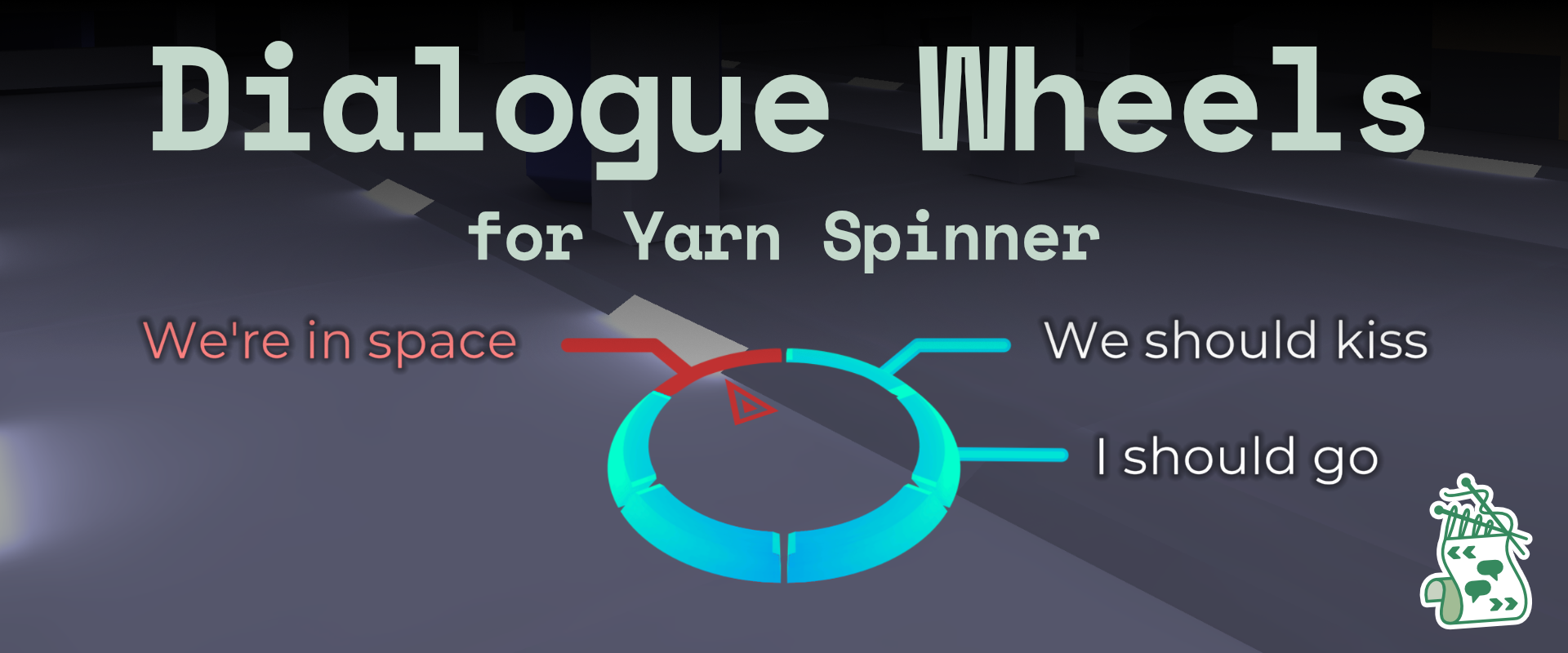
Dialogue Wheel for Yarn Spinner provides an **Automatic-Layout Dialogue Wheel** and a **Six-Segment Dialogue Wheel** prefab. Both are customisable, powerful, and extremely flexible:
* customise fonts, colours, and styles of wheels
* enable and disable segments (Six-Segment Wheel)
* specify specific segments for specific dialogue (Six-Segment Wheel)
* theoretically unlimited options on the wheel (Automatic-Layout Dialogue Wheel)
* works for 2D or 3D games
This guide provides documentation on using both prefabs.
{% hint style="danger" %}
The oldest supported version of Unity for the Dialogue Wheel is 2021.3.
{% endhint %}
### Six-Segment Dialogue Wheel
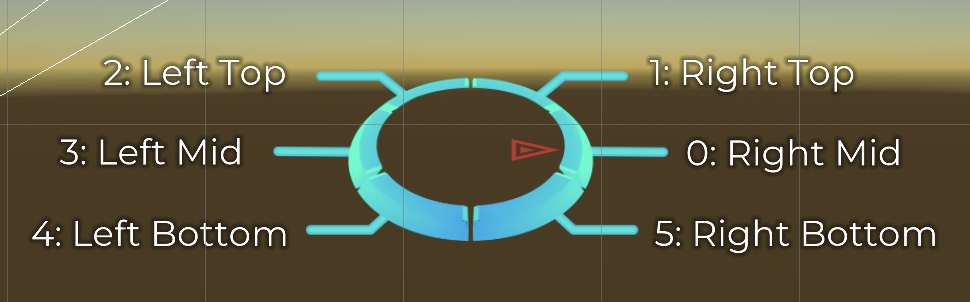
The Six-Segment Dialogue Wheel provides a dialogue wheel with a light scif-fi appearance, and support for up to six segments, and the ability to specify exactly which of the segment positions is used for an option in your Yarn scripts.
The Six-Segment Dialogue Wheel, showing the 6 option locations.
To learn how to use the Six-Segment Dialogue Wheel, [read this guide](/2.5/add-ons/dialogue-wheel/using-six-segment-wheel.md).
### Automatic-Layout Dialogue Wheel
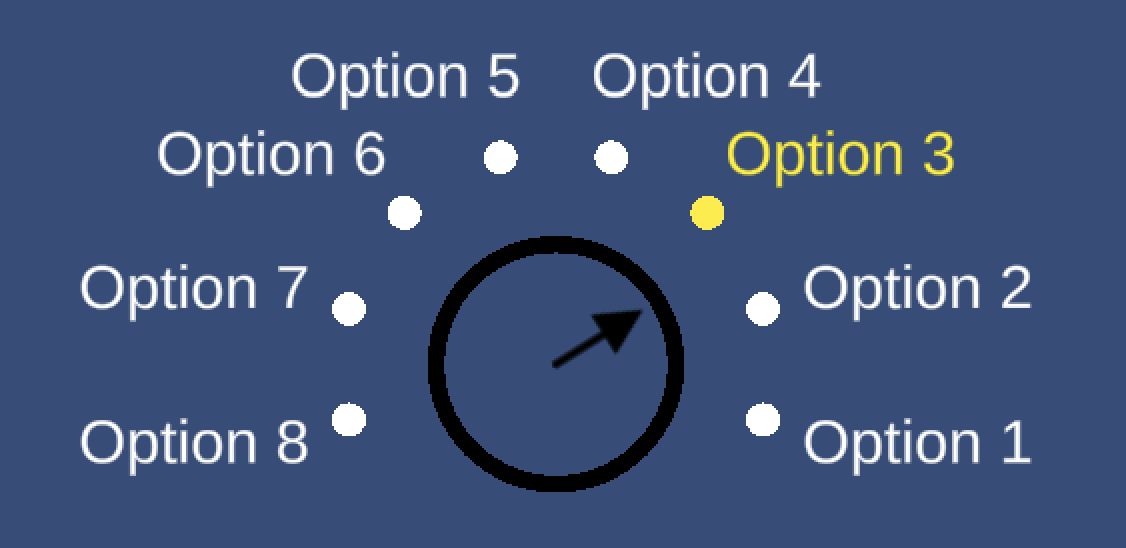
The Automatic-Layout Dialogue Wheel provides a dialogue wheel with a simple graphical appearance, and can—theoretically—support as many options as you'd like, automatically adjusting to display them. You cannot force an option to appear in a specific place on the wheel.
The Automatic-Layout Dialogue Wheel, showing 8 options.
To learn how to use the Automatic-Layout Dialogue Wheel, [read this guide](/2.5/add-ons/dialogue-wheel/using-auto-layout-wheel.md).