> For the complete documentation index, see [llms.txt](https://docs.yarnspinner.dev/llms.txt). Markdown versions of documentation pages are available by appending `.md` to page URLs; this page is available as [Markdown](https://docs.yarnspinner.dev/3.1/yarn-spinner-for-unity/unity-add-ons/dialogue-wheel.md).
# Dialogue Wheel
The guide and documentation for the paid add-on, Dialogue Wheel for Yarn Spinner.
This Unity package provides two prefabs: **Image Dialogue Wheel** and **Automatic-Layout Dialogue Wheel**. The package requires Yarn Spinner for Unity.
This add-on is not part of the open source Yarn Spinner package, and can be [purchased from the Yarn Spinner Itch.io Store](https://yarnspinner.itch.io/dialogue-wheel-for-yarn-spinner) or via the [Unity Asset Store](https://assetstore.unity.com/packages/tools/gui/dialogue-wheels-for-yarn-spinner-276025).
{% embed url="" %}
{% embed url="" %}
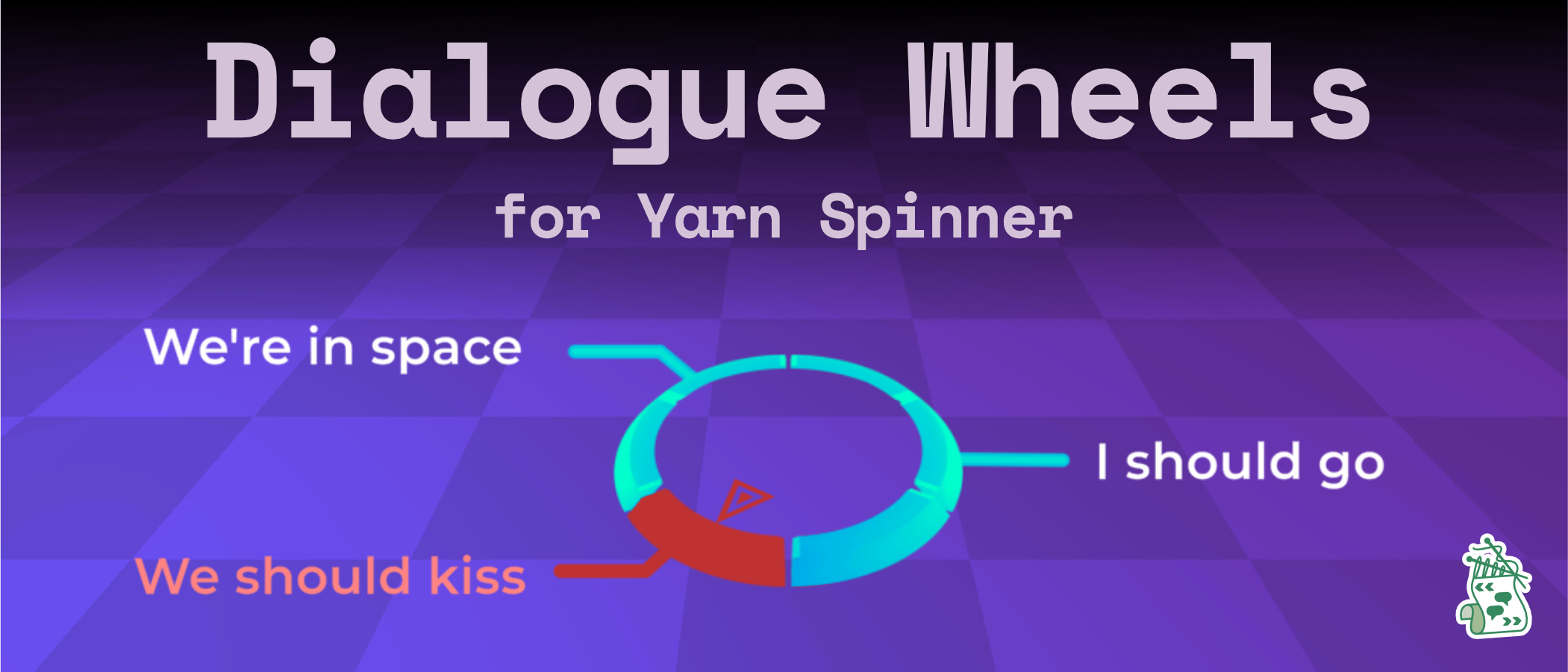
Dialogue Wheel for Yarn Spinner provides an **Automatic-Layout Dialogue Wheel** and a **Image Dialogue Wheel** prefab. Both are customisable, powerful, and extremely flexible:
* customise fonts, colours, and styles of wheels
* enable and disable segments (Six-Segment Wheel)
* specify specific segments for specific dialogue (Six-Segment Wheel)
* theoretically unlimited options on the wheel (Automatic-Layout Dialogue Wheel)
* works for 2D or 3D games
This guide provides documentation on using both prefabs.
{% hint style="danger" %}
The oldest supported version of Unity for the Dialogue Wheel is 2022.3.
{% endhint %}
### Image Wheel
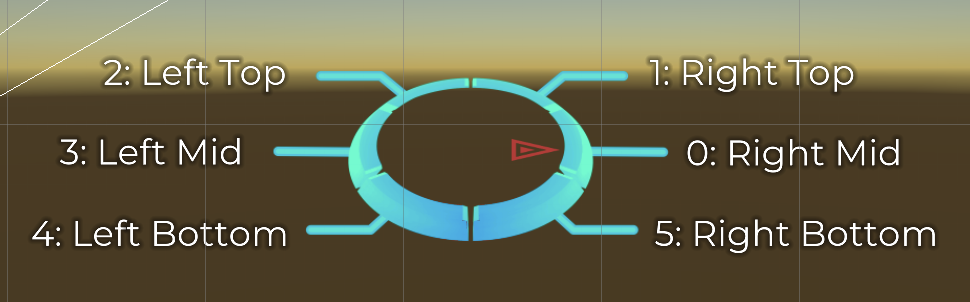
The Image Wheel provides a dialogue wheel with a light scif-fi appearance, and support for up to six segments, and the ability to specify exactly which of the segment positions is used for an option in your Yarn scripts.
The Image Wheel, showing the 6 option locations.
To learn how to use the Image Wheel, [read this guide](/3.1/yarn-spinner-for-unity/unity-add-ons/dialogue-wheel/using-six-segment-wheel.md).
### Automatic-Layout Dialogue Wheel
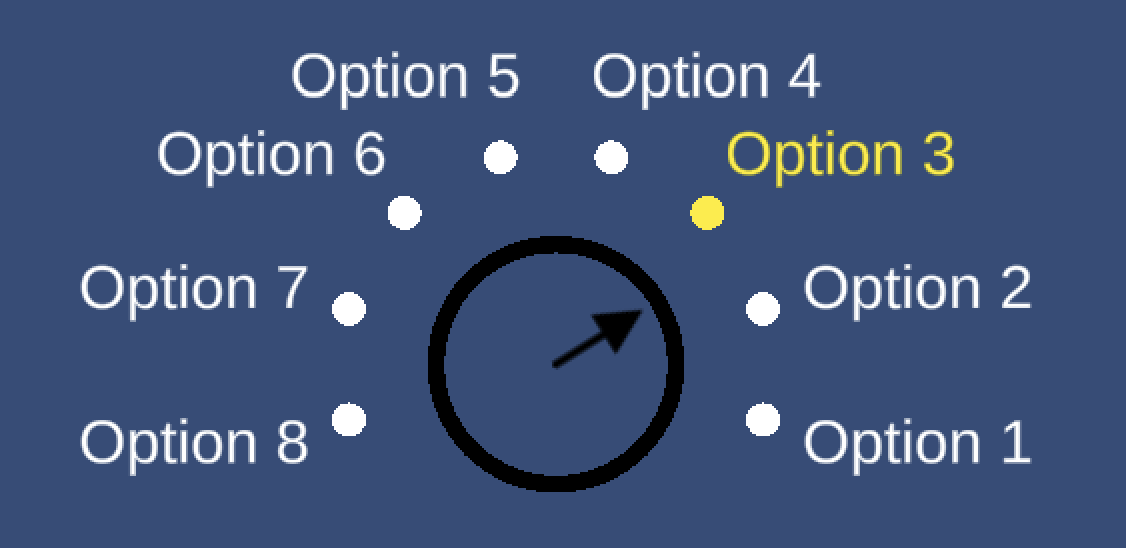
The Automatic-Layout Dialogue Wheel provides a dialogue wheel with a simple graphical appearance, and can—theoretically—support as many options as you'd like, automatically adjusting to display them. You cannot force an option to appear in a specific place on the wheel.
The Automatic-Layout Dialogue Wheel, showing 8 options.
To learn how to use the Automatic-Layout Dialogue Wheel, [read this guide](/3.1/yarn-spinner-for-unity/unity-add-ons/dialogue-wheel/using-auto-layout-wheel.md).